
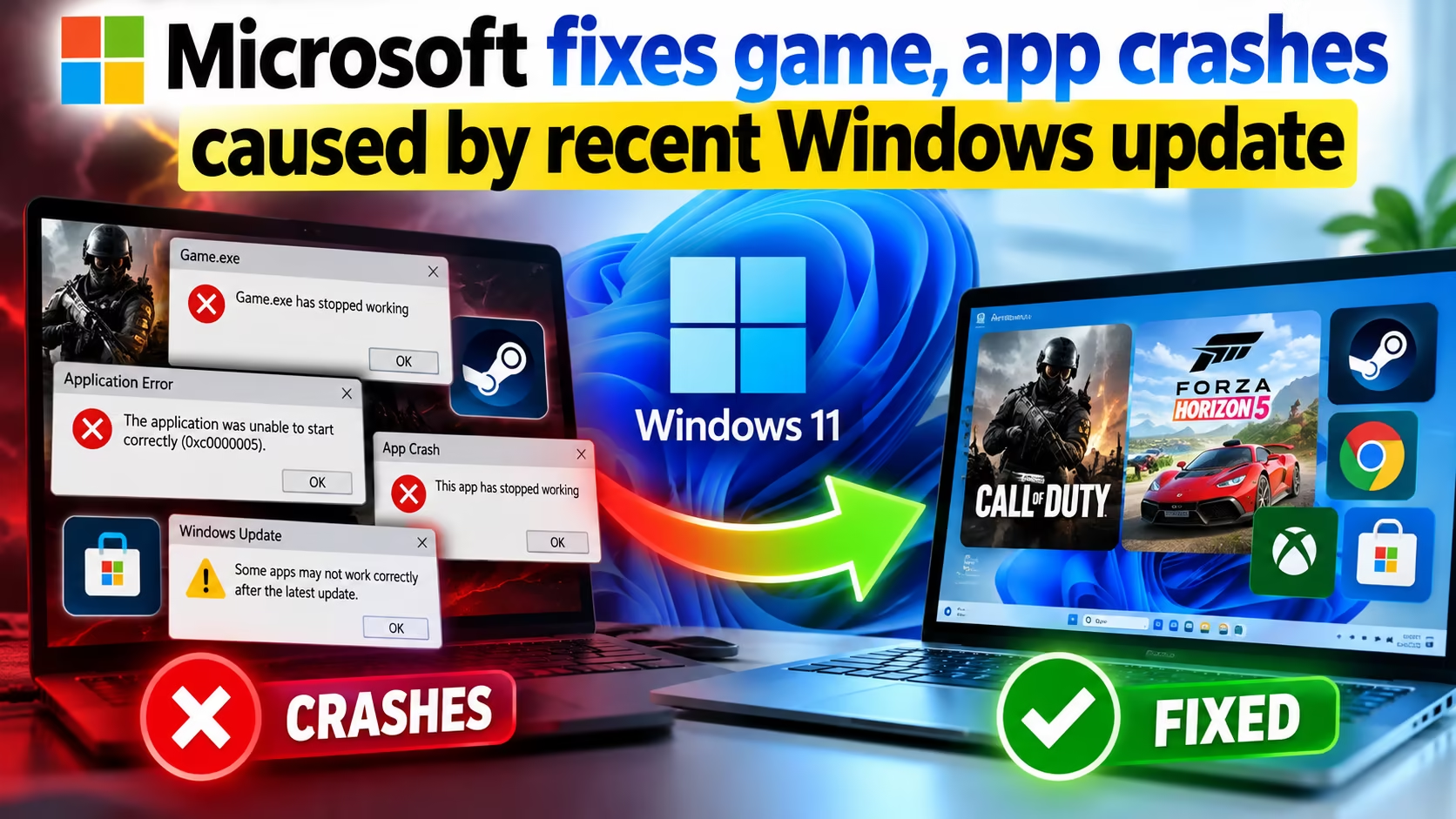
Picture this: you finally sit down to launch your favorite title after a long workday, only for the screen to freeze or crash instantly to the desktop. Frustrating, right? Recently, countless Windows users experienced this exact scenario due to underlying audio decoding bugs. Fortunately, Microsoft fixes game stability problems by rolling out targeted patches to restore normal operations across affected systems.
Software stability is critical for a smooth user experience. However, unexpected bugs often slip through the cracks of even the most rigorous quality assurance testing cycles. Therefore, understanding how these patches work helps you keep your system running at peak performance.
Key Takeaways
- The Root Cause: A recent optional release triggered severe crashes in applications utilizing AC-3 (Dolby Digital) audio decoding.
- Impacted Software: Affected programs ranged from high-end entertainment software to standard media players and productivity tools.
- The Solution: The software giant resolved the glitch through subsequent security releases, restoring full functionality.
- Proactive Measures: Keeping your operating system updated ensures you receive critical bug fixes and security enhancements immediately.
Unraveling the Audio Decoding Glitch
The trouble began after the rollout of an optional preview build. Specifically, applications relying heavily on legacy AC-3 audio codecs experienced sudden failures. Consequently, many users found that Microsoft fixes game performance issues only after widespread telemetry data highlights the exact source of failure.
In some instances, affected programs failed to launch entirely, closing abruptly without displaying an error message. In other cases, software functioned normally until users triggered specific actions, such as playing background music or utilizing surround sound features. This erratic behavior made troubleshooting difficult for everyday consumers.
While optional packages require manual installation, they often auto-install on devices where users enable early update preferences. Because of this setting, the glitch affected a broader audience than initially anticipated, prompting swift engineering intervention from the development team.
Addressing App Crashes Caused by Recent Windows Update
Software crashes are rarely isolated incidents; they frequently point toward deeper compatibility conflicts within the operating system architecture. In this specific scenario, the disruption extended far beyond entertainment software, impacting various third-party utilities. Addressing app crashes caused by recent Windows update packages required a comprehensive overhaul of how the OS handles legacy audio decoding components.
Security analysts often emphasize that maintaining a secure environment goes hand in hand with software stability. For instance, companies must remain vigilant against external threats, much like the vulnerabilities highlighted in this critical cyber alert regarding Microsoft 365 tenants. Ensuring your digital environment is secure prevents external exploits from compounding system errors.
Furthermore, maintaining clean system configurations helps prevent auxiliary errors. If you need tools to manage your software ecosystem effectively, you might consider reviewing options similar to those discussed in guides on how to claim an Iobit Uninstaller 16 Pro free license key. Proper system maintenance keeps background processes from interfering with active media tasks.
Deploying the September 2026 Preview Update (kb5124010) and Beyond
The catalyst for these media disruptions was traced directly back to specific optional packages. The Microsoft Windows platform handles numerous codecs natively, which occasionally introduces regression bugs during major feature rollouts. When the September 2026 preview update (kb5124010) went live, it unintentionally broke legacy audio pathways for thousands of consumers.
Fortunately, developers act quickly when core stability metrics drop. In subsequent monthly security rollouts, engineers successfully integrated permanent solutions. Updating your machine to the latest Patch Tuesday release effectively neutralizes the audio decoding bug, allowing media software and interactive entertainment to run smoothly once more.
As technology evolves, enterprise environments also demand advanced security measures to protect sensitive assets. Innovations such as those detailed in reports on watermark protection in Microsoft Edge demonstrate how organizations safeguard proprietary data against leaks. Stability and security remain the twin pillars of modern computing infrastructure.
In addition to desktop operating system updates, broader economic factors often influence tech industry developments. For example, market shifts like the Nasdaq selloff impacting global AI stocks remind us that hardware and software ecosystems operate within a vast, interconnected global economy.
Finally, enterprise administrative strategies must adapt to platform changes. Administrators should review guidelines such as the administrative action plan for removing Copilot Studio from Teams to ensure seamless workflow transitions during software deprecations.
What caused the sudden software and entertainment crashes on Windows?
The crashes were triggered by a bug in AC-3 (Dolby Digital) audio decoding introduced in recent system preview builds, which caused programs utilizing these legacy codecs to fail upon launch or during audio playback.
How can I resolve these audio and stability issues on my computer?
You can resolve these issues by installing the latest cumulative security updates provided by Microsoft through Windows Update, which contain permanent patches for the audio decoding bug.
Are all applications impacted by this specific coding glitch?
No, only applications and titles relying on legacy Windows built-in AC-3 audio decoding components were affected. Modern software utilizing independent, self-contained audio codecs remained fully operational.
Should I install optional preview packages on my primary device?
It is generally recommended to stick with standard, verified security releases for daily-use machines unless you specifically need to test early feature implementations, as optional builds can occasionally introduce unforeseen bugs.
Stay Ahead of Windows Updates and System Bugs
Never let unexpected software crashes disrupt your workflow or gaming sessions again. Subscribe to our expert tech digest for real-time alerts, troubleshooting guides, and essential security updates delivered straight to your inbox.